For my CPS computer science workshops, I wanted to teach about 3D design—incredibly relevant in engineering—and VR—one of the coolest and most promising digital mediums that exists, in my opinion.
However, many existing platforms for this like Unity or Autodesk Fusion 360 could never be taught to a meaningful depth in only a few hours. My goal with this workshop was to empower and inspire people to explore these fields further, so I wanted a web-based editor that was easy to learn and use.
Some alternatives existed, but they weren't perfect for this use case. Mozilla Hubs was great for its collaborative features, but the editor still had a steep learning curve and was discontinued before Worlds was created. Very limited documentation and support existed for the archived open-source version. Tinkercad is great for engineering, but is not designed for scenes or the very detailed models that go into them. While I opted not to use these, I did take heavy inspiration in designing the user experience of Worlds so that I am preparing students for industry-standard software; Worlds is strongly grounded in the philosophy of experiential learning.
Features
-
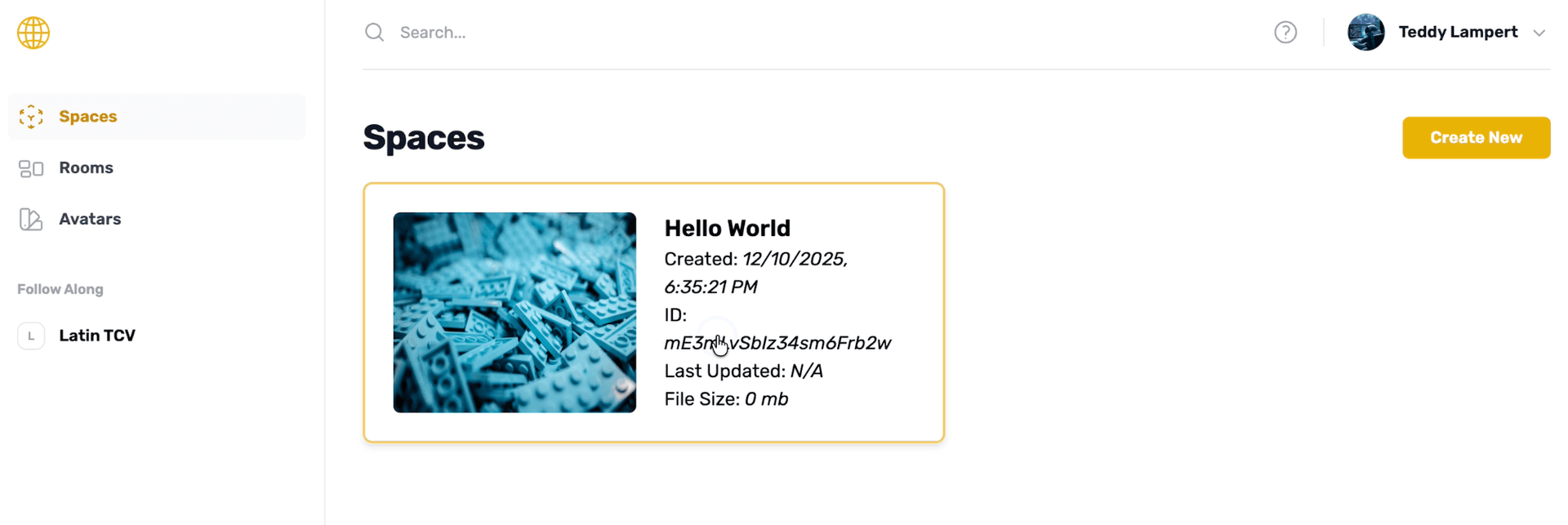
Create unlimited worlds, unique spaces for your 3D environments, entirely within your browser
-
Add objects to the world from a library of pre-made objects from across the internet, moderated using AI
-
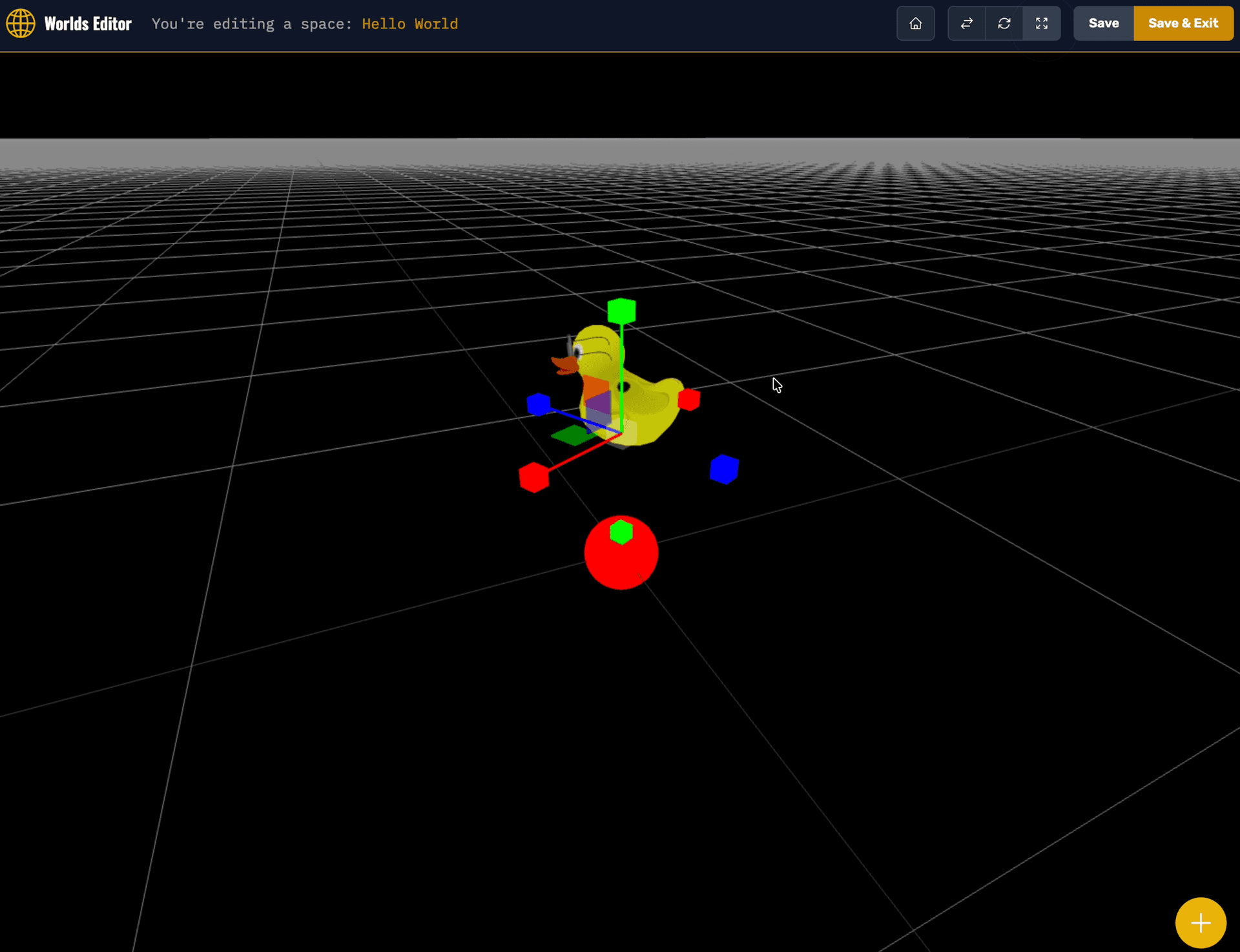
Move/rotate/scale objects, add backdrops (skyboxes and ground textures), setup lighting, and toggle physics
-
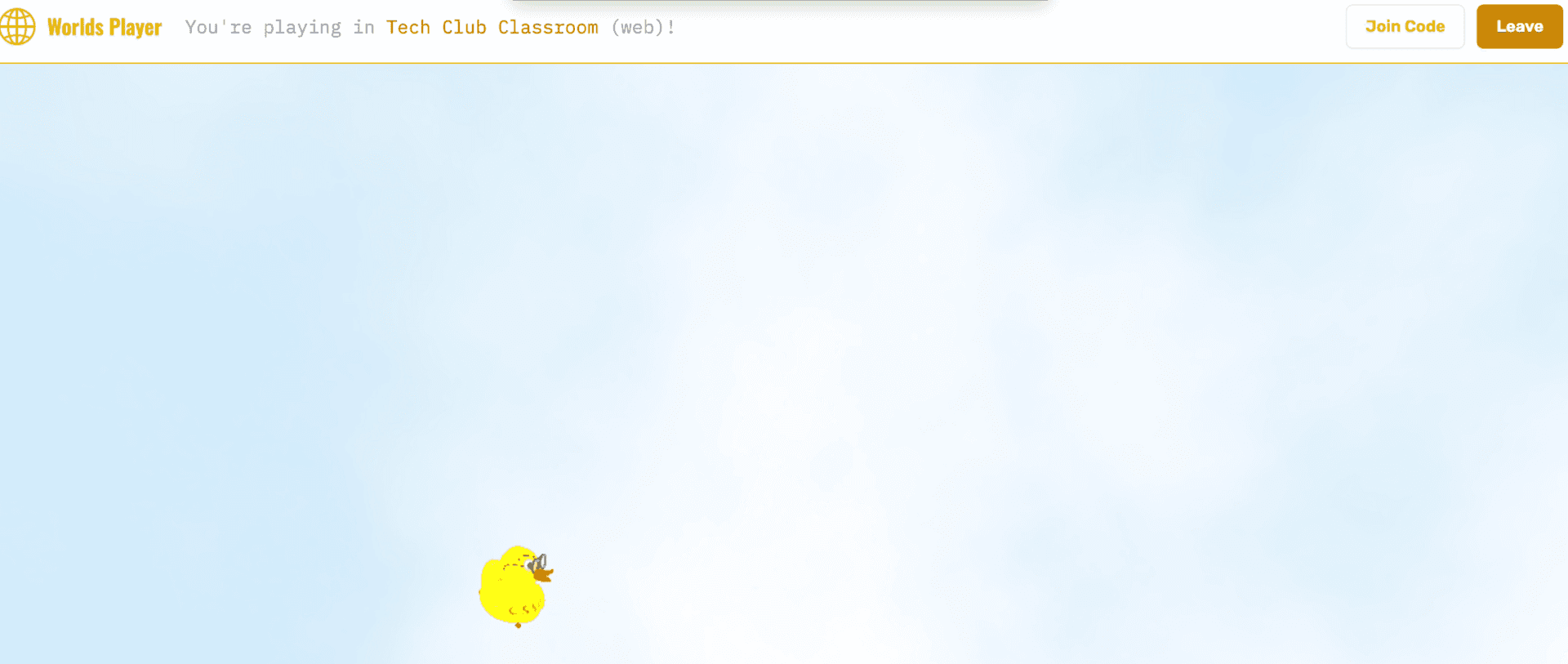
Create spaces, multiplayer instances of specific worlds that you can join in your browser or any VR headset (Meta Quest, Apple Vision Pro, Google Cardboard, etc.)
-
Fly or walk around each space with your respective controller while seeing and using proximity voice chat with other players
Engineering
The website is built with Next.js, although I slightly regret this decision because of how little integration Three.js has into the React editor. If I had to recreate Worlds now, with the uprise of React ports like react-three-fiber, it might have been much fine. However, I did make it work, albeit with a lot of useEffect!
The editor and the player itself are certainly the most interesting engineering aspects of Worlds. I chose Three.js for its mature ecosystem with WebXR, WebGL, WebGPU, and Cannon.js support, enabling advanced features like physics and VR. WebXR was especially important because it means I can implement the VR player very similarly to the 3D editor: in the browser with Three.js, in the same codebase. It also made VR support platform-agnostic: you just open the same URL in your headset and you're ready to play.
Three.js also had lots of APIs that were incredibly helpful in developing an editor. TransformControls provided intuitive UI elements for object manipulation (although I had to implement undo/redo myself), OrbitControls provided smooth, interactive camera movement, and Raycaster supported mouse-to-3D picking. I used GLTFLoader and GLTFExporter to serialize environments for storage and sharing, respectively, for its preservation of materials, animations, and scene hierarchies. Developed by Khronos Group, it's often described as the "JPEG of the metaverse" or the "JPEG of 3D." Serialized formats were originally saved directly in Firestore, which was convenient but took a while to upload and download, was expensive, and was inefficient: it had to download and re-upload every model in a scene even if only one part changed. To fix this, I modified serializations before they were saved: the program scans for models, separates and uploads them to Firebase Storage, and replaces them in the main GLTF with URL references before uploading that to Storage as well. This meant that models are loaded asynchronously (lazily), and only after the first insertion.
Since headsets vary widely in hardware capability, the player tests different performance settings and calculates the FPS, choosing one that balances smooth performance with the highest possible qualities.
To support object search from the internet, I integrated with the Sketchfab model API. The UI gives credit to the authors of each model. However, Sketchfab also has lots of inappropriate content. To moderate for this, I employ two layers of security: 1) filter by age rating according to Sketchfab, and 2) filter preview images and names of results using GPT-4o through the OpenAI API. This means search takes longer, but I viewed that as a worthy tradeoff for user safety. To prevent spamming and exceeding my API key's rate limits when many people are searching at once, I implemented simple debouncing and per-user ratelimits.
Multiplayer used Firebase's Realtime Database, treating player states (primarily position) as individual entries that can be updated live and other connected players can subscribe to. I used onDisconnect to have this resemble presence, removing the entry (and therefore, their rendered character) when they are no longer in-game. Voice activity, unfortunately, was not something I could build on the serverless Firebase framework, so I made a separate server that could be hosted with persistent memory state on a platform like Heroku. This implemented voice activity detection, which only transmits audio when volume exceeds a threshold for performance and QOL reasons, and calculates and sets individual volumes for each pairing of players based on distance in the 3D world.
Reflection
Students I used Worlds with found it very meaningful, and I was able to help a few inspired students learn about real CAD software like Blender later on using the principles they learned from Worlds! I like how they could see the power of 3D design and VR in action, while focusing primarily on satisfying their creative desires. Students built everything from prior homes to architectural marvels in the few hours that they used Worlds for.
Screenshots